Your med spa's phone, answered around the clock.
An always-on answering service for US med spas. Every call your team can't reach gets answered, and the lead is texted straight to you. Never voicemail.Kytona is an always-on answering service for US med spas. When your team can't get to the phone, whether it's after hours, the weekend, mid-treatment, or the line's just busy, we pick up, qualify the caller, and send the booking-ready lead to your inbox by text and email. Never voicemail.
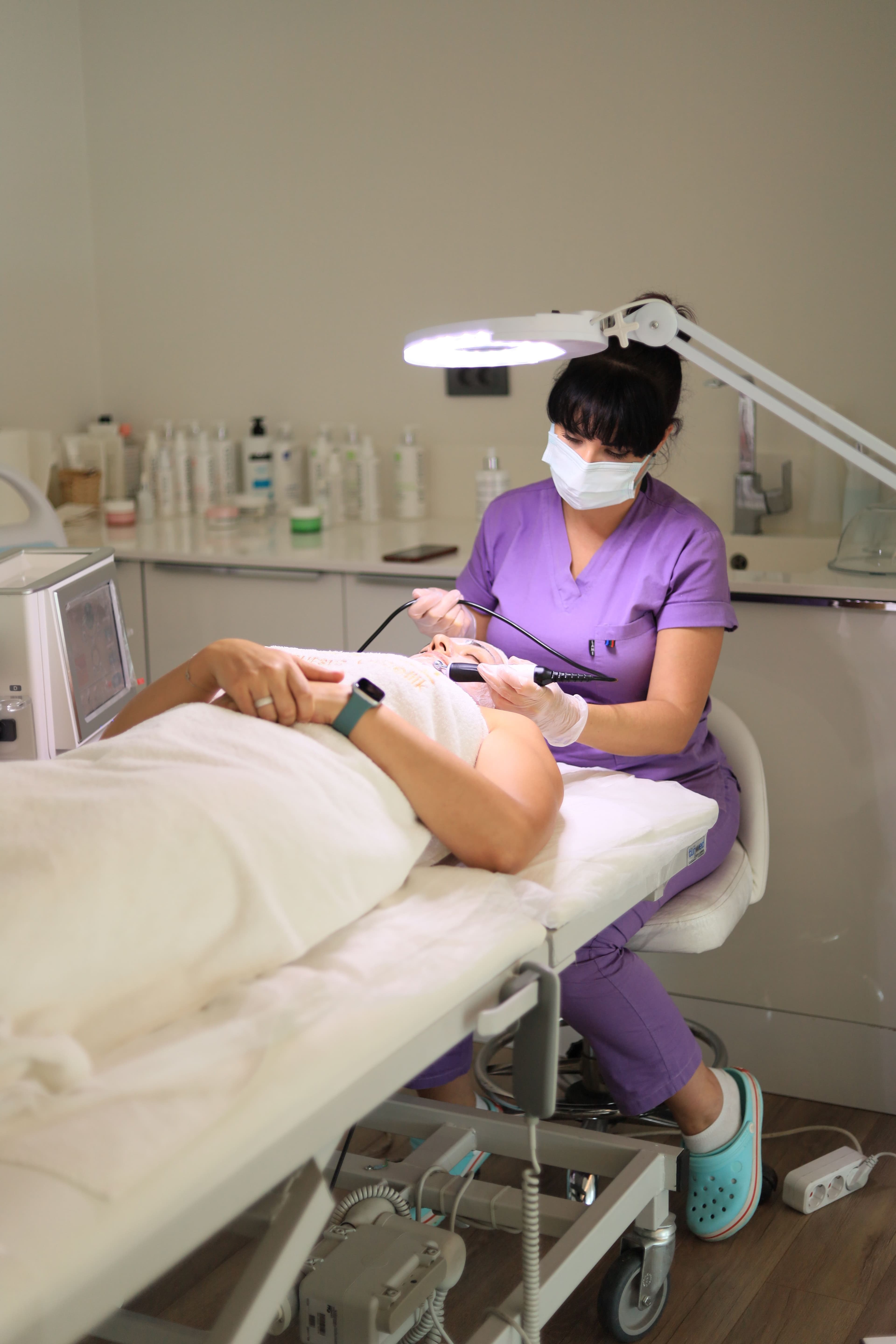
The calls you can't take, answered and sent straight to you
We don't hand you software and walk away. We set up your answering line, wire it to your phone, and text you every qualified caller, for every hour your front desk can't pick up.
Never miss a high-intent caller
The AI answers after hours, on weekends, mid-treatment, and when the line's busy. Those are the exact moments new clients leak to the med spa down the street.
Leads by morning, not voicemails
Callers ring at 8:47pm. You start the day with qualified, booking-ready leads in your inbox instead of a voicemail nobody returns.
Sends every lead to your team
It captures the caller's details and texts and emails them to your front desk in seconds. No new dashboard, no integration to wait on.
Built for med spas
It doesn't give medical or pricing advice. It books a consultation with your provider, stays HIPAA-aware, and logs every call.
Cover every hour you're closed
No shifts, no overtime. The agent answers 24/7, including evenings and weekends, whenever your team is away from the desk.
Fully managed, done for you
We build the agent, wire up your call forwarding, monitor every transcript, and refine it. It's a service we run, not software you manage.
What changes when Kytona answers the phone
What your med spa loses to a missed call today, and what changes the moment Kytona picks up.
Operational impact
Before vs afterWithout Kytona
Voicemail, missed calls, lost patients
- Calls after hours and on weekends roll to voicemail nobody returns
- The phone rings while your provider is mid-treatment
- High-intent callers comparing med spas book with whoever answers first
- Inquiries come in overnight and sit unanswered until the morning
- No record of who called, what they wanted, or what was missed
With Kytona
Every call answered and booked in
- Every after-hours and missed call is answered in a natural American voice
- Callers are qualified and the details texted straight to your team
- High-intent callers are captured before they book elsewhere
- You start the day with booking-ready leads in your inbox
- Full transcript and summary saved for every single call
The calls behind every booking
The treatments your clients are calling to book.
Every missed call is a booking that didn't happen. A facial, a skin program, a treatment plan worth far more than the call itself. Kytona makes sure the phone is always answered.
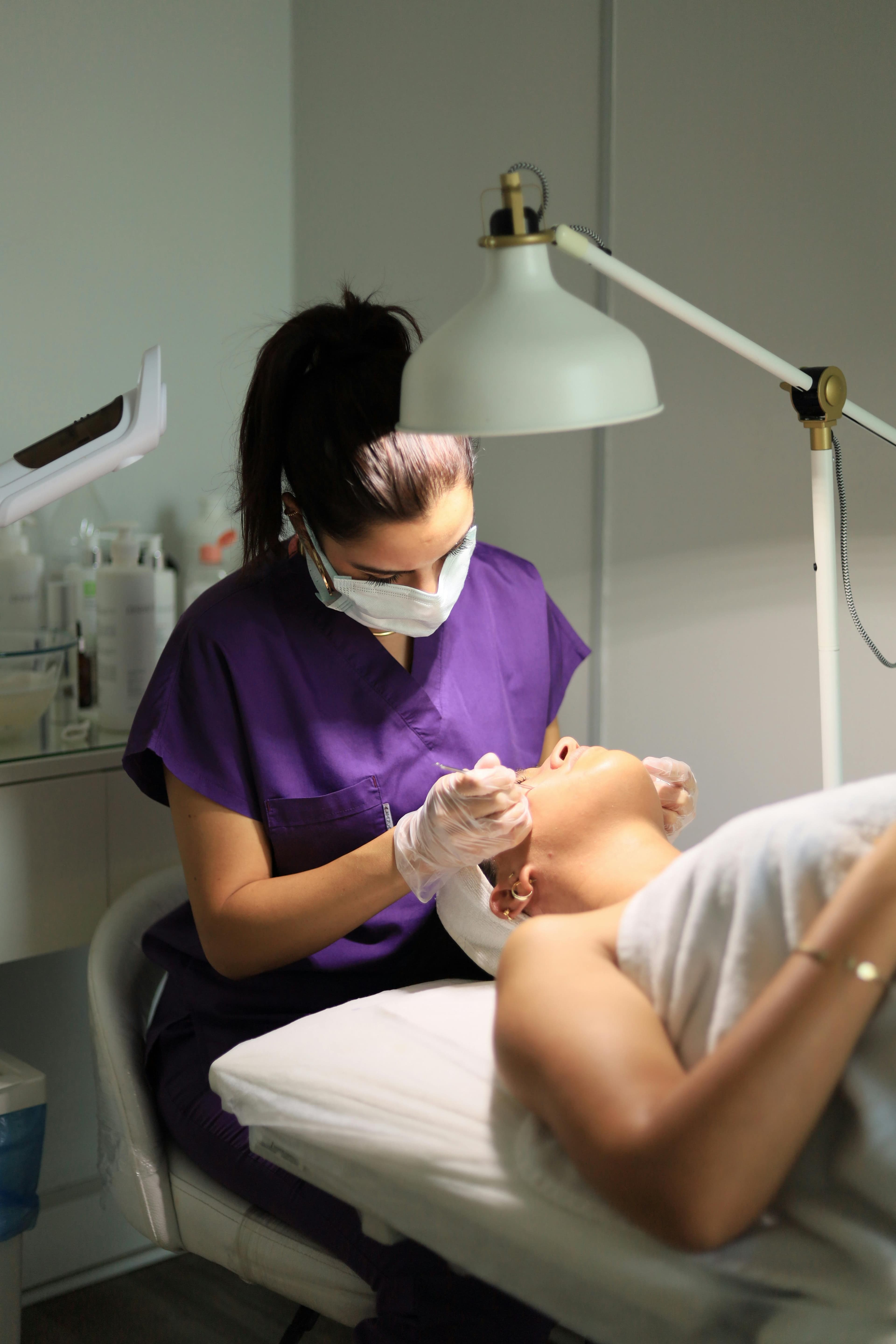
Every ring is a treatment journey worth booking.
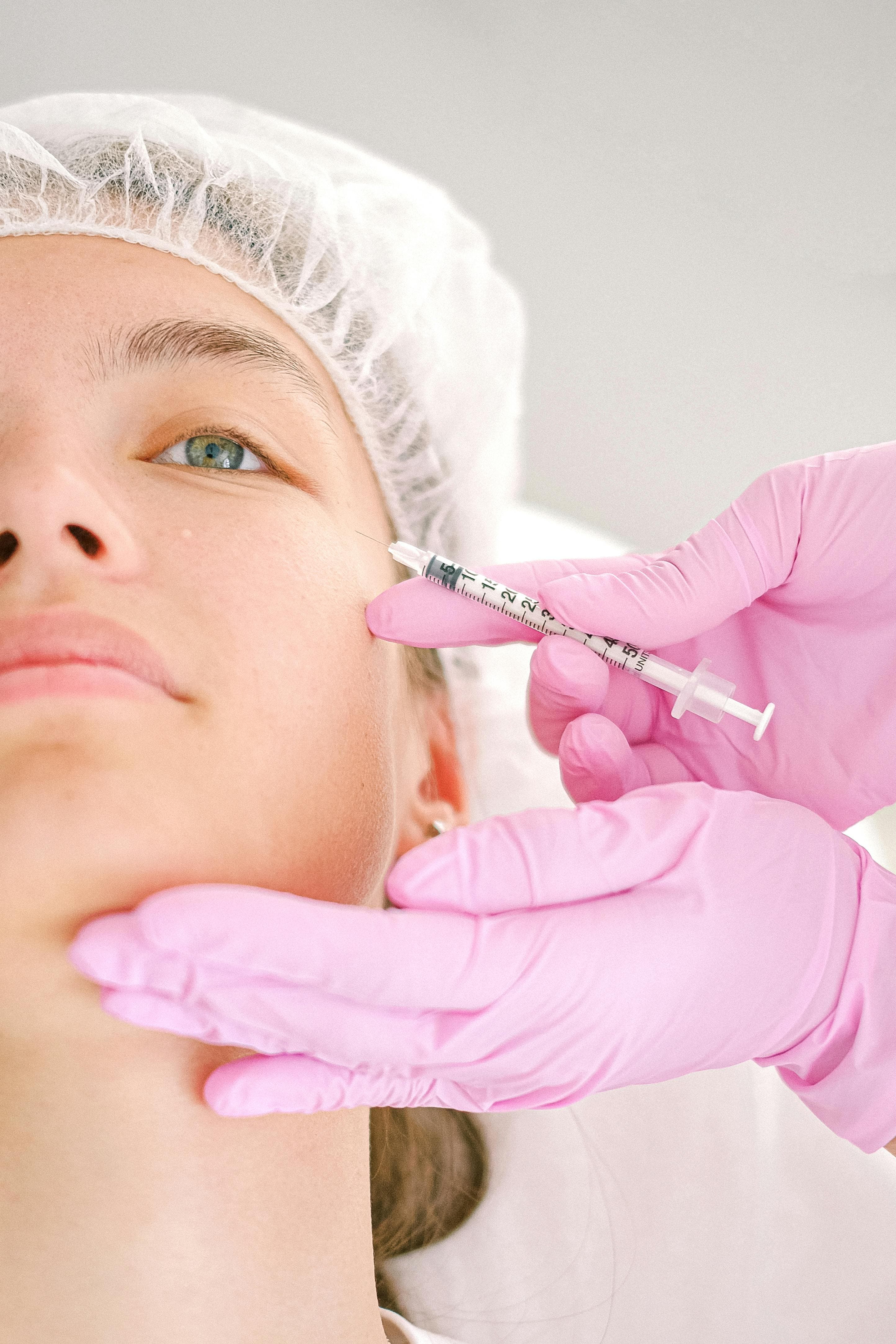
Works alongside the booking system you already run.
No new dashboard, no integration to wait on. The agent qualifies the caller and sends the booking-ready details straight to your team by text and email, so your front desk confirms it in whatever system you use.
- Every qualified caller texted and emailed to your team in seconds
- Captures name, treatment interest, and preferred times
- Transcript and call summary saved for every call
Data flow
Works alongside Boulevard · Vagaro · Zenoti · Mindbody · Aesthetic Record
From missed call to booking-ready lead
How it works
Tell us about your med spa
We learn your treatments, your hours, your providers, and how you want callers handled. We build the agent around your practice.
Bring: your treatments + where you want leads sent
We build it and set up forwarding
Your own answering line on a US number, wired to your phone's after-hours and unanswered-call forwarding. We test it before it goes live.
Live in 3 to 5 days. We handle the whole setup.
We monitor every call
This isn't set-and-forget. We review transcripts, refine the script, and are on hand whenever something needs adjusting. You just get the leads.
Every qualified caller is texted and emailed to your team instantly
Simple, transparent pricing.
$1,000 setup + $499/mo
Your own 24/7 answering line, built around your med spa, with every qualified caller texted to your team. Fully managed by us.
Setup fee covers call-forwarding setup, script configuration, and lead-delivery wiring.
Month to month, cancel anytime. One recovered after-hours booking usually covers the whole month.
Questions med spas ask us
Stop losing clients to voicemail.
We set up and run your med spa's 24/7 answering line. Every after-hours and missed call gets answered, qualified, and texted straight to your team.
No commitment